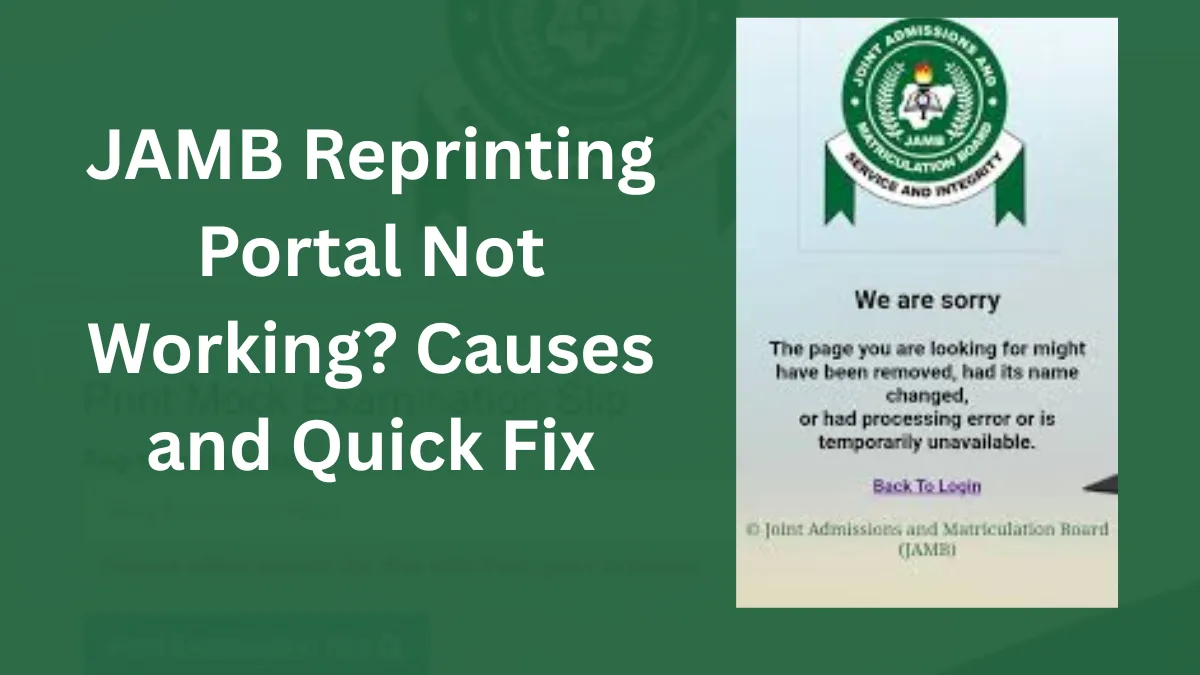
Every year when JAMB releases the UTME examination slips, thousands of candidates rush to the portal to print their slips. Because of the heavy traffic, many candidates begin searching online for “JAMB reprinting portal not working 2026”.
Sometimes the portal may load slowly, fail to open, or refuse to display the examination slip. This can cause panic among candidates who are trying to confirm their exam date, exam time, and CBT centre.
This guide explains why the JAMB reprinting portal may not be working and the simple steps you can take to fix the problem quickly.
Official JAMB Reprinting Portal 2026
Candidates can print their UTME examination slip through the official portal.
Official portal: https://slipsprinting.jamb.gov.ng
This portal allows candidates to access their examination details using their registration number, email address, or phone number.
If the portal does not load properly, it does not mean your exam details are missing. In most cases, the issue is temporary.
When JAMB Reprinting Usually Starts
For the 2026 UTME, JAMB slip reprinting is expected to begin around April 18, 2026.
Once the portal opens, millions of candidates will attempt to access it at the same time. This high number of visitors can sometimes slow down the website.
Common Reasons Why the JAMB Reprinting Portal May Not Work
Several factors can prevent the portal from working properly.
The table below explains the common causes.
| Problem | Explanation |
|---|---|
| Heavy website traffic | Too many candidates trying to access the portal at the same time |
| Poor internet connection | Slow internet can prevent the portal from loading |
| Incorrect registration details | Entering wrong details can stop the system from retrieving your slip |
| Browser issues | Some browsers may not load the portal correctly |
| Temporary server maintenance | JAMB may update the system occasionally |
Most of these problems are temporary and can be solved easily.
Quick Fixes if the JAMB Portal is Not Working
If you are unable to print your exam slip, try the following solutions.
1. Try again after some time
Heavy traffic usually happens during the first few hours after reprinting begins.
Wait for some time and try again later.
2. Use a different browser
If the portal is not loading on your browser, try another browser such as:
- Google Chrome
- Mozilla Firefox
- Microsoft Edge
3. Check your internet connection
Ensure that your internet connection is stable before trying again.
4. Confirm your registration details
Make sure you are entering the correct:
- JAMB registration number
- email address
- phone number used during registration
5. Visit a cyber café
If the portal still does not work on your phone, visit a cyber café where they may have faster internet and better systems.
How to Reprint Your JAMB Slip Once the Portal Works
Follow these steps when the portal becomes accessible.
- Visit the JAMB slip printing portal https://slipsprinting.jamb.gov.ng
- Enter your registration number, email, or phone number.
- Click Print Examination Slip.
- Your exam details will appear on the screen.
- Download and print the slip.
Candidates should print at least two copies.
Information Found on the JAMB Exam Slip
After printing your slip, the document will show your full examination schedule.
| Information | Meaning |
|---|---|
| Candidate Name | Your registered name |
| Registration Number | Unique exam identification number |
| Exam Date | The day you will write UTME |
| Exam Time | Your scheduled exam session |
| CBT Centre | The exact location of your exam |
| Centre Address | Full address of the CBT centre |
| Subject Combination | The subjects you will write |
Always check these details carefully after printing your slip.
What to Do After Printing Your Slip
After successfully printing your exam slip, take the following steps.
a. Confirm your CBT centre location
Make sure you know the exact location of your exam centre.
b. Print multiple copies
Keep at least two copies of the slip.
c. Visit the centre before exam day
If possible, locate the centre before your exam date to avoid getting lost.
d. Arrive early for the exam
Candidates should arrive at least one hour before the exam begins.
Frequently Asked Questions
1. Why is the JAMB portal slow?
The portal may become slow because millions of candidates try to access it at the same time.
2. Can I print my JAMB slip with my phone?
Yes. You can access the portal using your phone, but you will need a printer to print the slip.
3. Is JAMB reprinting free?
Yes. Printing from the portal is free, although cyber cafés may charge a small service fee.
4. What should I do if my slip still does not show?
Visit a JAMB CBT centre or accredited cyber café for assistance.
Conclusion
If the JAMB reprinting portal is not working, do not panic. Most portal issues are temporary and will be resolved once the traffic reduces. Keep checking the portal and ensure you print your exam slip early once it becomes available.
Printing your slip early will allow you to confirm your exam centre, plan transportation, and prepare properly for the UTME examination.





[…] READ ALSO: JAMB Reprinting Portal Not Working 2026 – Causes and Quick Fix […]